
How to Search Cases by Name
The free Colorado Judicial Branch Docket Search takes either an individual or a business name. Set the party mode first, before you type anything. A name alone will not work. Docket Search also demands a date or date range plus one more filter. For a Conejos County case search, pick the 12th Judicial District and Conejos County. Then enter the name and dates. Spell the name exactly for a tight first pass. Or widen the date range when the setting date is unclear.
- Select the 12th Judicial District and Conejos County, then choose a date or date range.
- Choose Individual or Business. Enter first and last name for a person, or the business name in business mode.
- Add a court type, case-number part, division, courthouse, or attorney when known. A date by itself is not enough.
- Review every result page and compare the caption, case number, hearing type, court, and current setting.
- If no match appears, change only one uncertain element at a time, then call or email the clerk before drawing a conclusion.
No public login is needed; the search fields sit in plain view. Dropdown menus on the live page shift over time, so rely on the options the form itself displays.
| Field Label | Type | Required | Notes |
|---|---|---|---|
| County | Dropdown | Optional | Select Conejos for the local state-court route. |
| Date Range or Date | Dropdown or date input | Conditional | A second non-date filter is required. |
| Individual / Business | Radio choice | Optional | Changes which party-name fields appear. |
| First and Last Name | Text | Optional | Used for an individual party lookup. |
| Business Name | Text | Optional | Used only in business mode. |
| Attorney Name or Bar Number | Radio choice and text | Optional | Offers a separate professional search route. |
Conejos County Case Filter Error
One rule trips up most first-time users. Docket Search requires a date. It also needs at least one additional field. Conejos County and a date alone may still come back too broad. Narrow it with the party name, year, case class, sequence, attorney, court type, division, or courthouse. When a field is uncertain, keep the reliable values and loosen only the shaky one.
Searching by lawyer? Use the attorney's name or bar number, and the form will show the matching inputs. That helps when a party name has changed or several cases carry similar captions. Calendar results arrive paginated, usually 20 rows per page, with a printable view. A saved result is a snapshot. A setting can change later.
Required search rule. Conejos County Docket Search needs a date or date range plus another identifying filter before it will run.
How to Search by Case Number
A Colorado trial-court number has three parts. It carries a four-digit year, a case class, and a numeric sequence. Docket Search gives each part its own field. The statewide record form shows the pattern with 2019T999999. Here 2019 is the year, T is the class, and 999999 is the sequence. Enter the pieces separately rather than pasting the whole string into one box.
Case classes steer a Conejos County case lookup toward the right file. Criminal and traffic groupings include CR, JD, M, T, and R. Civil groupings include C, CV, and S. Family forms use JV and DR. A class tells you the type of proceeding, nothing about the merits. Misdemeanor and traffic cases usually sit in County Court. A felony proceeds in District Court after any initial County Court complaint stage.
- Year
- The four-digit filing-year component.
- Case class
- The letter code identifying the type of proceeding.
- Sequence
- The numeric identifier assigned within that year and class.
- Caption
- The formal case title naming the parties.
Municipal ordinance cases take a different route. Manassa, Sanford, La Jara, and Antonito town courts may keep their own records, which can be missing from the Conejos state-court data. Check the summons or citation to learn where the case was filed.
Conejos County Case Class Routing
The case class points to both the subject and the likely court. Conejos County Court holds misdemeanor, traffic, small-claims, protection-order, civil-under-limit, and initial felony-complaint files. Conejos District Court holds felony, general civil, domestic-relations, juvenile, probate, and mental-health files. One combined clerk serves both state courts. Their dockets are not interchangeable.
A number can return no match. Compare its class with the court named on the notice. A felony complaint can start in County Court. It may later move to a District Court felony file. A municipal ordinance case stays with the town court. Only an appeal or other authorized process moves it. Always search by the court of filing, not by where the event happened.
Note: Case class routes the lookup to a file type. It does not state the outcome, current status, or public-access level.
Three Conejos County Case Products
Case lookup can mean three different products. Mixing them up wastes time. The free Judicial Branch calendar tells you when and where a public event is set. A register of actions logs case events over time. A filed document is different. It is the complaint, order, judgment, decree, ticket, or other paper behind an entry. People who expect document images from a calendar row are confusing these layers.
| Product | Best Use | Important Limit |
|---|---|---|
| Free Docket Search | Find a scheduled hearing, courtroom, appearance type, or date. | It is a calendar, not a full case history or document store. |
| CoCourts ROA | Review a paid, real-time chronological event summary by name or number. | Vendor data is informational, can omit cases, and has no filed images. |
| Clerk official file | Obtain a filed document, certified copy, correction, or authoritative record. | Access review, redaction, copy charges, or retrieval work may apply. |
The CoCourts register search is one Judicial Branch-linked vendor route for the ROA layer.
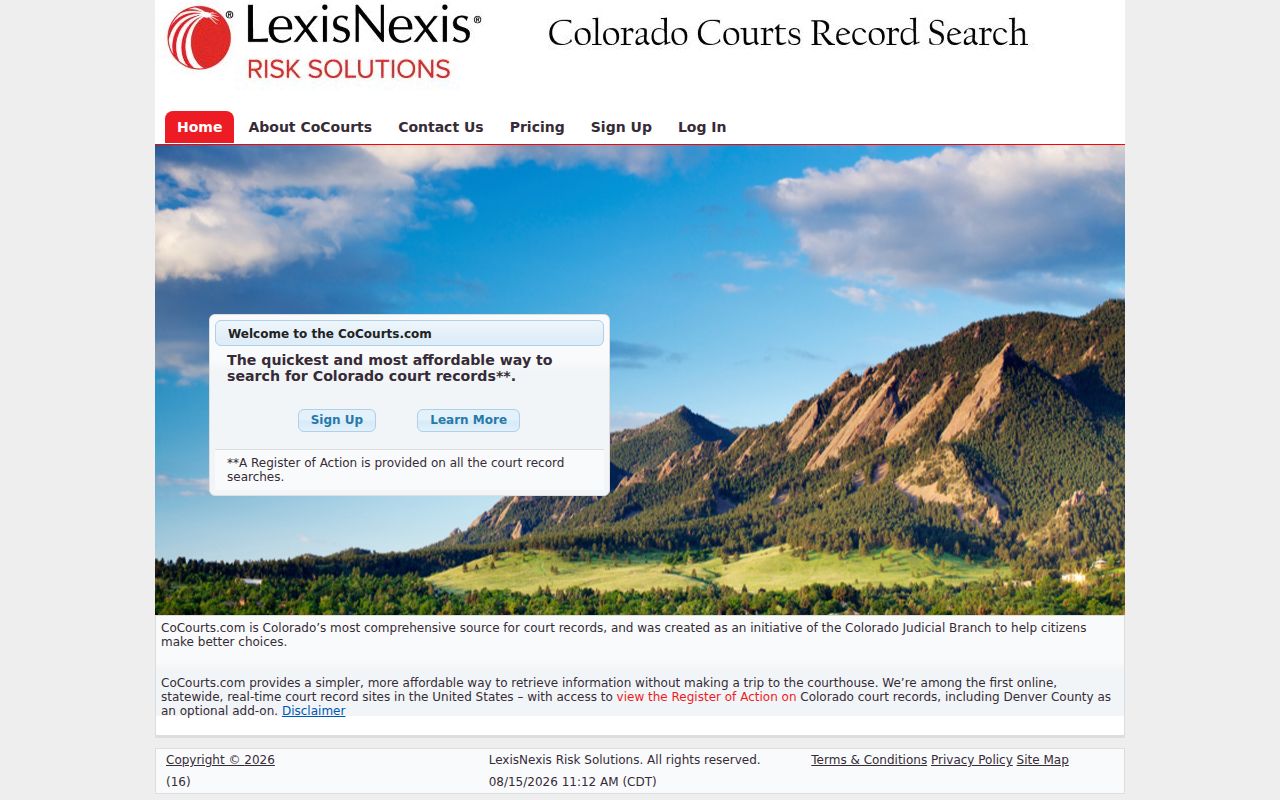
The paid case-history product is one more option. When accuracy or certification matters, still verify it against the originating court.
What a Case Search Shows
The free Conejos County case lookup returns hearing-level detail. A result can show the date, time, estimated duration, name or caption, case number, hearing type, location, appearance type, and courtroom. Those fields help separate similar names. They also confirm which event is set. They do not prove that every filing or order is visible.
| Date and Time | The scheduled day and start time for the listed court event. |
|---|---|
| Duration | The court's estimate for the event, not a guarantee about waiting time. |
| Name or Caption | The displayed party or formal case title used to compare possible matches. |
| Case Number | The unique year, class, and sequence combination. |
| Hearing Type | Why the court is convening, such as an advisement or trial. |
| Location and Courtroom | The listed venue and room, which need close confirmation during the courthouse closure. |
| Appearance Type | How attendance is designated, which is different from hearing type. |
An ROA can go deeper. It may include charges, sentences, filings, settings, minute orders, rulings, disposition, and judgment information, yet it stays an index and chronology. For exact wording, signatures, certification, or an official correction, ask the clerk for the actual paper.
Conejos County Official Case Access
A docket search can only take you so far. For the official Conejos County court file, go through the Conejos Combined Court. A fire has closed the permanent courthouse until further notice. Clerk customer service now runs from the temporary S.P.M.D.T.U. Concilio Superior at 603 Main Street in Antonito. Hours are 8:00 a.m. to 4:00 p.m. Monday through Friday, except state holidays. Trials may be set elsewhere. Let the current notice control where a hearing actually happens.
Reach the clerk at 719-376-5465 or by email at ConejosClerk@judicial.state.co.us. Mail should go to P.O. Box 128, Conejos, CO 81129. Give the party name and the case number if known. Include the case class, the approximate filing year, and the exact item you want. The official web request form can ask for an ROA, a named document, a judgment, or a certified copy. Older or off-site files may take added retrieval time and carry an actual retrieval cost.
State data access comes with strings attached. The official data-access policy spells out the privacy and use limits on that access.
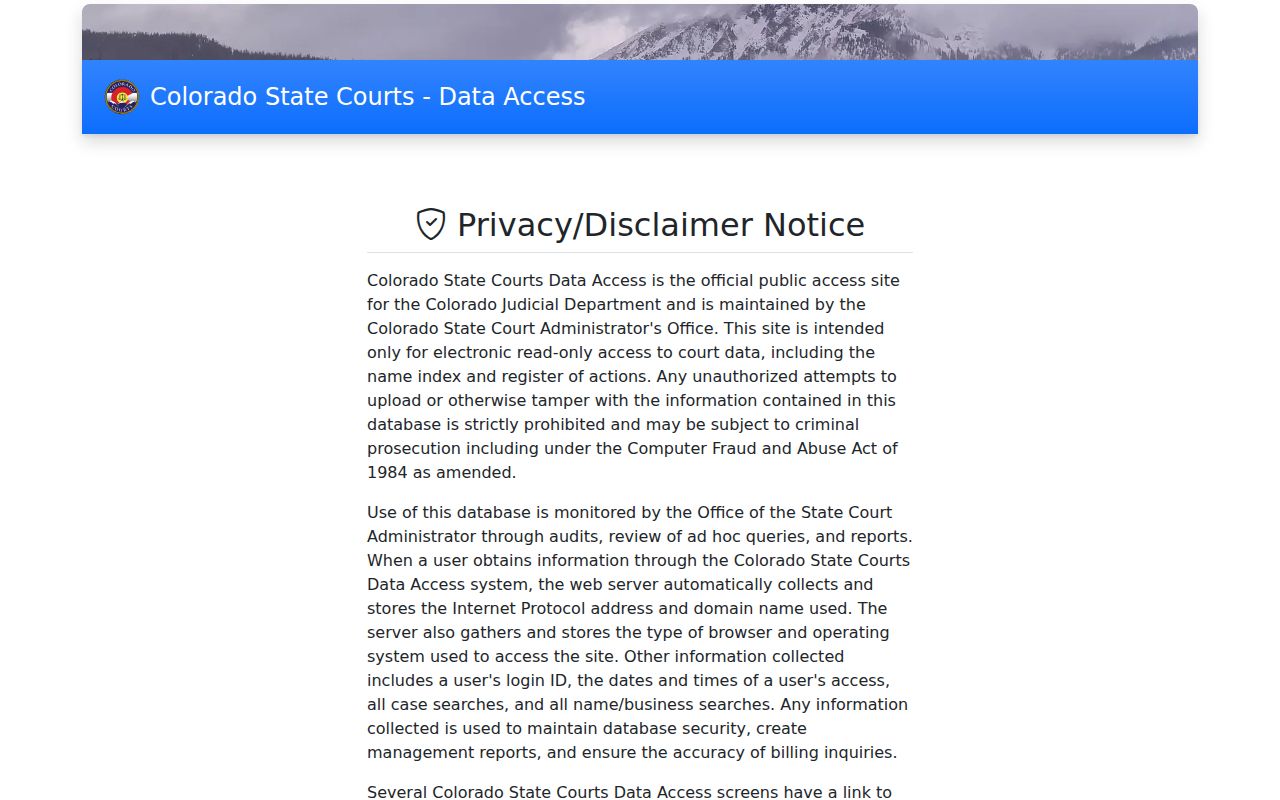
Treat any electronic result as a reference point. The official Conejos County court file stays with the clerk, and that file is what counts.
Call before visiting. The temporary site makes no promise of a public computer terminal, so confirm on-site search options first.
County vs Statewide Case Search
Conejos County runs no separate public portal holding complete trial-court case files. District and County Court records flow through Colorado's state systems and the combined clerk instead. So the real choice for a docket search is among three things: the free statewide calendar, a statewide approved ROA vendor, or the county-level clerk file. Each gives a different depth of access to court records.
| Search Route | Coverage | Best Use |
|---|---|---|
| Colorado Docket Search | State trial-court hearing lists, filtered to the 12th District and Conejos County. | Free lookup of scheduled public court events. |
| CoCourts | Real-time vendor feed for listed civil, domestic, felony, misdemeanor, small-claims, and traffic matters. | Paid name or number search for an informational ROA. |
| Conejos Combined Court | Official Conejos District Court and County Court files held by the clerk. | Documents, certified copies, access decisions, corrections, and older cases. |
Know which court holds the case. A municipal matter stays with the town court. An appeal can carry it into state court. An appellate case sits in the Colorado Court of Appeals or the Supreme Court docket. A federal case belongs to the U.S. District Court for the District of Colorado and PACER. It does not belong to any Conejos County state search.
Conejos County CCE Case Access
Colorado Courts E-Filing, called CCE, is not a public case-search portal. It is a filing tool for attorneys. Supported matters include civil, criminal, domestic, water, probate, juvenile, county, and appellate cases. Self-represented users may register, but only for their own supported cases. That non-attorney scope covers domestic-relations and eviction matters alone. Reaching an existing case takes an opt-in process. It can run up to two business days after acceptance.
The official attorney e-filing information lays out the system licensed counsel use to file.
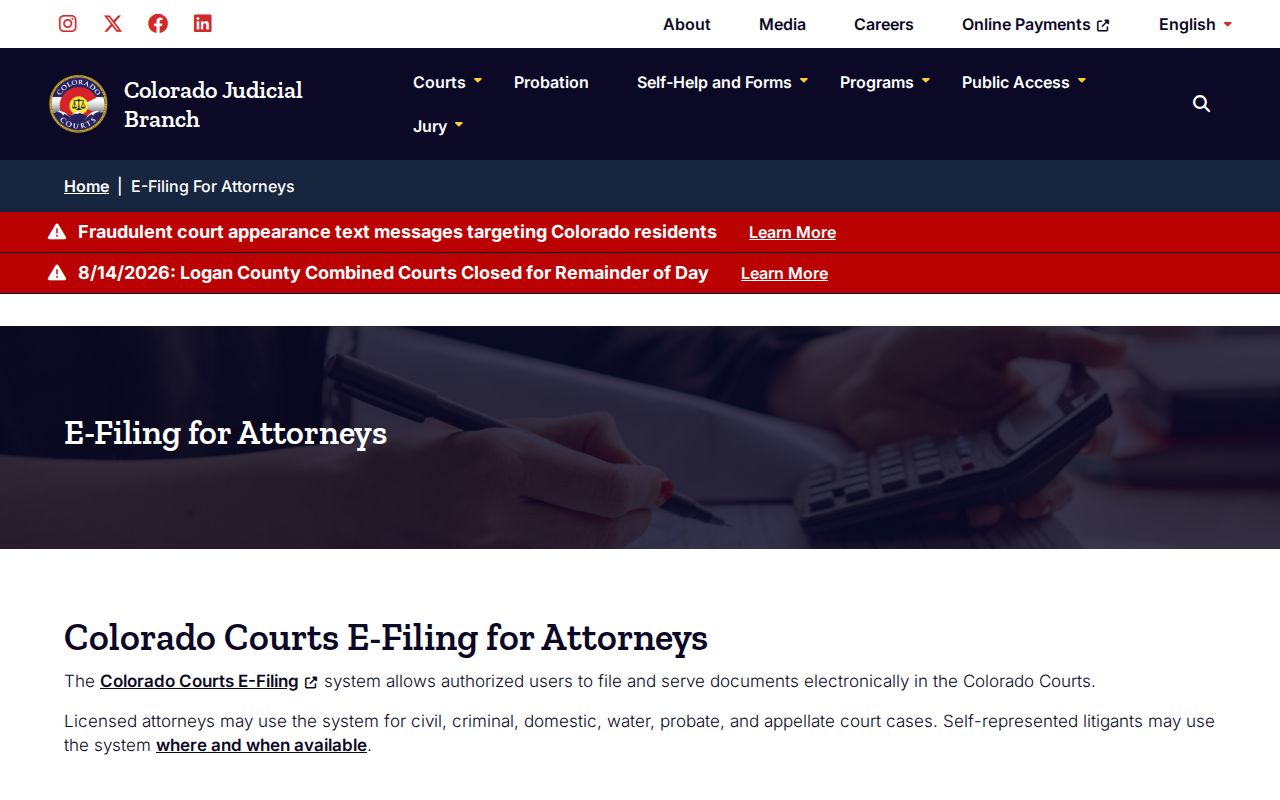
Professional filing access and a public Conejos County case lookup are two different doors. The official Colorado Courts E-Filing system is where applications and logins happen.
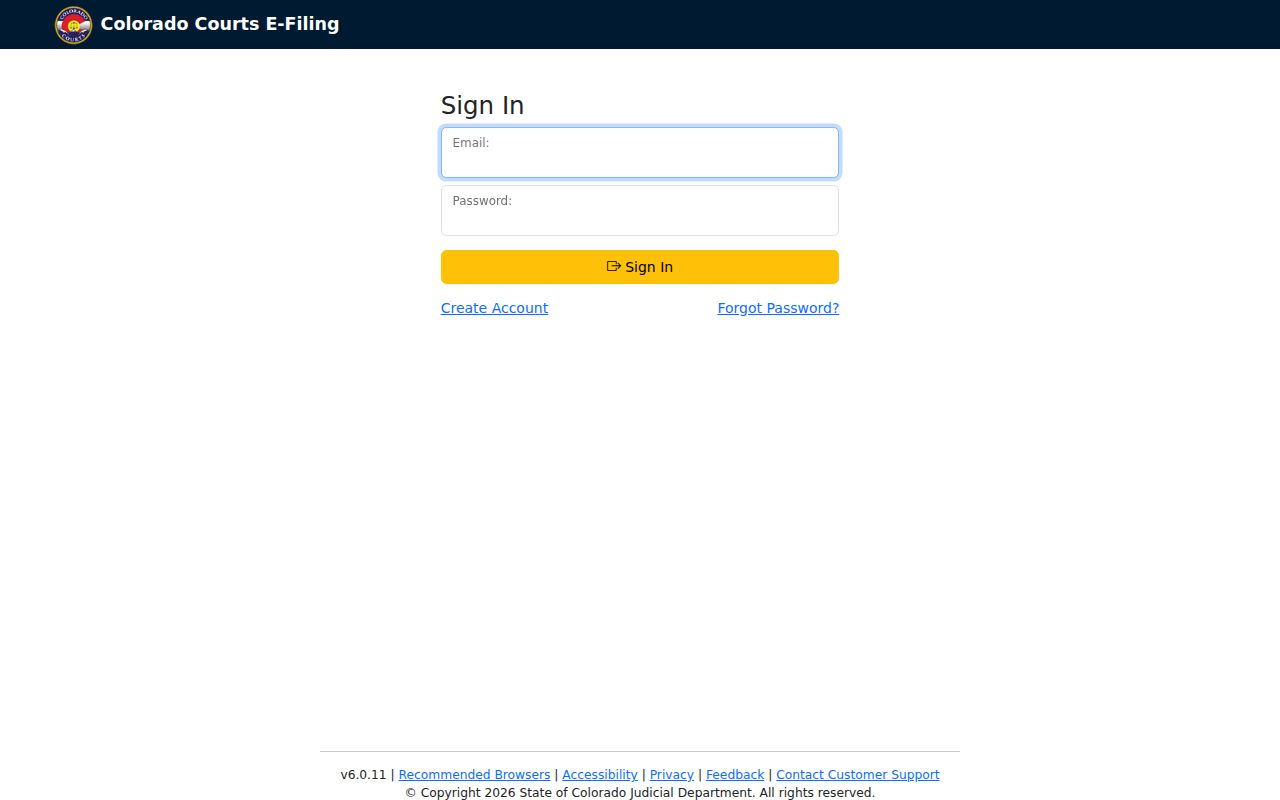
Do not mistake CCE for an open, anonymous statewide docket database. The self-represented e-filing information covers the narrower party-access path.
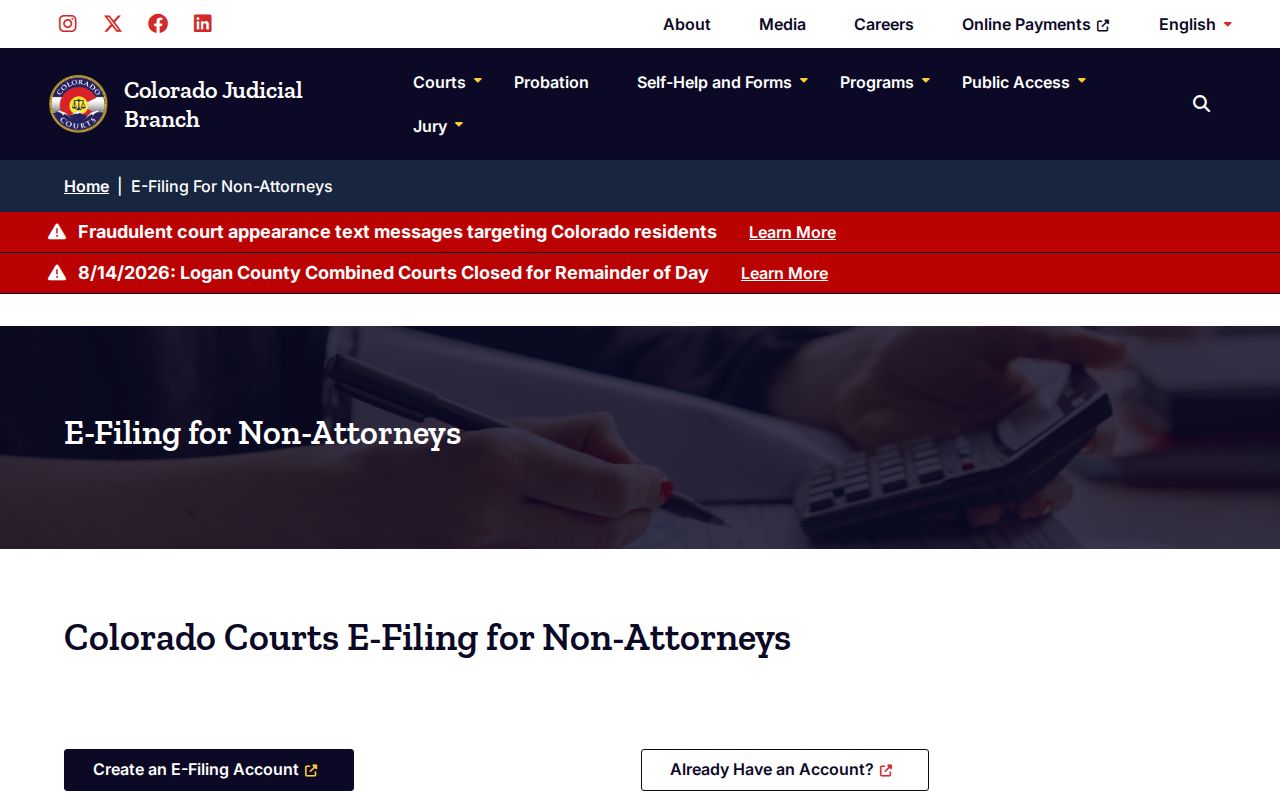
One rule stands out here. A non-attorney must be working in an eligible case of their own, not searching the public at large. That is the line between CCE and any true court records search.
Missing Conejos County Case Results
Start with ordinary causes before assuming a case is sealed. Check the spelling and the date and year. Check the class, the sequence, the county, and the court type. Try the party mode that matches the caption. Confirm whether the matter was filed in state or municipal court. A felony complaint can begin in County Court and later receive a District Court felony file. An older case number may not tell the whole path.
Access and archive limits come next. A public result may be missing for many reasons. The file may be juvenile, sealed, suppressed, restricted, protected pending redaction, older, off site, or outside vendor coverage. Data can simply be incomplete too. Contact the clerk by phone, email, in person, or mail. Ask staff to search by year, class, and sequence, or give the full party name and approximate filing year. The state online record request is another formal route.
Match the office to the case. A town ordinance matter belongs to the municipal clerk. An appellate matter belongs to the higher court. Those custody lines beat repeating the same statewide search unchanged.
Restricted Cases and Access Rules
Colorado sorts electronic records into five security levels. Public material is open through ordinary access. Protected material becomes public only after required redaction. Restricted material goes to specified participants and criminal-justice agencies alone. Suppressed material stays with the court, the parties, and counsel. Sealed material is confined to judges and Judicial Department staff unless authority permits access.
Juvenile records and identifying details about certain victims get extra protection. Some probate material is limited as well. Anyone seeking restricted material may need government photo identification. They may also need proof of status or a court order. Chief Justice Directive 05-01 governs case-file inspection and copies; P.A.I.R.R. 2 governs administrative Judicial records. The two are not interchangeable.
Public search gap. An empty Conejos County case lookup cannot prove that no case exists, that it was dismissed, or that it was sealed.
The Conejos Combined Court clerk is the source for an access decision and the official file.
A case lookup serves a simple purpose. Use it to find a matter, follow it, confirm a hearing, or understand the record in your own case. After a match, the Conejos County court dates process adds the calendar, notice, and venue checks that matter under the temporary courthouse arrangement.